Your applications.
Within reach.
Give authorized users a familiar workspace for the business applications they need.
Applications · Users · AccessDiscuss your setup
Your business applications.
Your familiar desktop.
Wherever work takes you.
Remline connects your people to the applications and desktops on your servers.
Remote access to Windows applications and desktops.See the Remline administration overview: your server, user sessions, and published applications.
Talk to the Remline team Actual Remline prototype · Sample data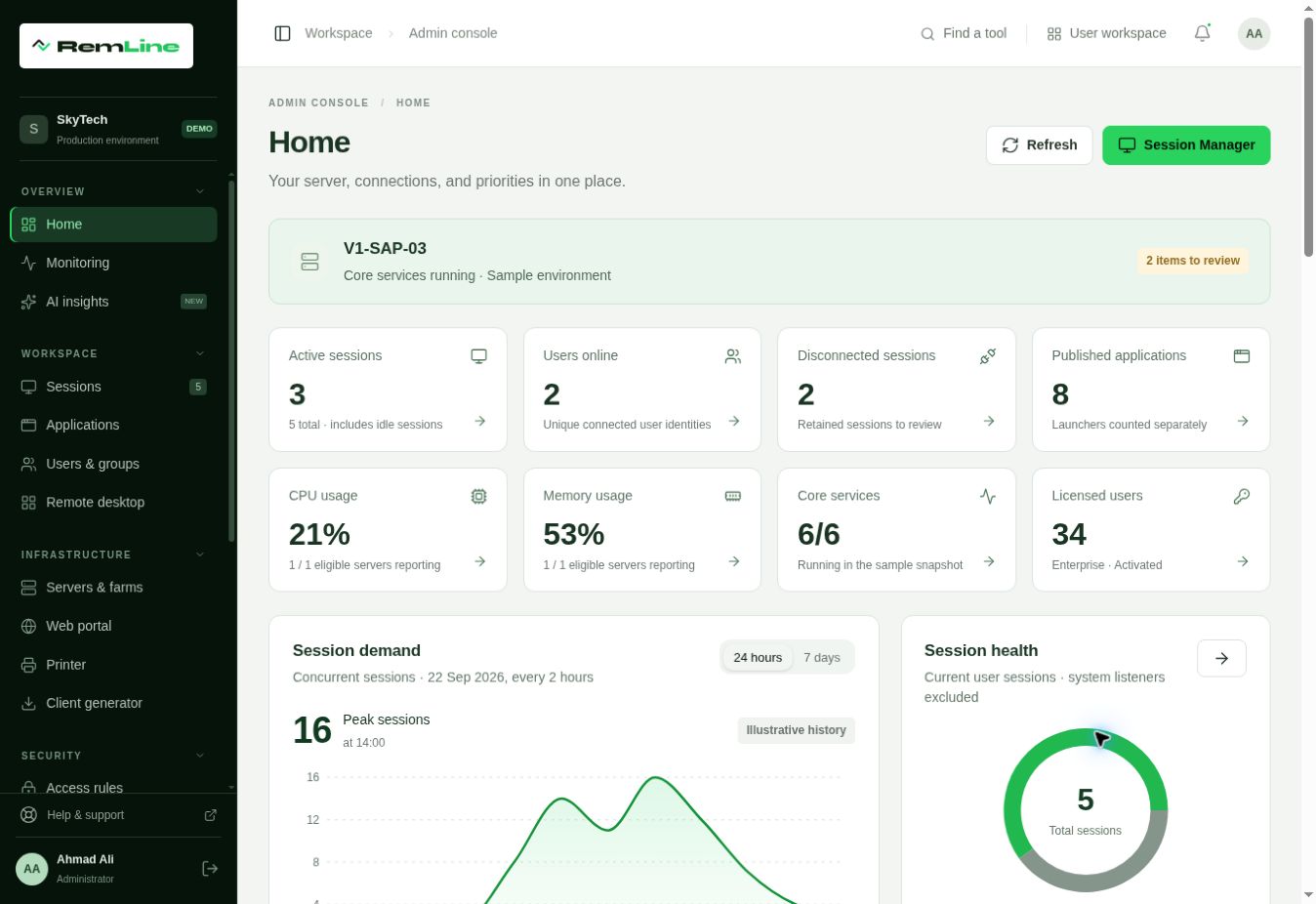
Keep your applications on your servers.
Bring your people closer to their work.
Give authorized users a familiar workspace for the business applications they need.
Applications · Users · AccessDiscuss your setupConnect people across offices to the applications and desktops on your infrastructure.
Locations · Connectivity · CapacityDiscuss your setupHelp employees reach their assigned desktop or applications when working remotely.
Devices · Identity · Access policiesDiscuss your setupRemote access should bring your people closer to their work—with clear boundaries around who connects, what they can reach, and how that connection is protected.
Start with verified identities and authentication requirements suited to your organization.
Define which applications and desktops each person needs, with permissions shaped around their role.
Plan encryption, certificates, and connection policies around your infrastructure and security requirements.
Planning your deployment? Let’s discuss identity, access, and connection security.Remline is in development. Available security controls and deployment requirements will be confirmed with the team.
Discuss secure accessRemline is coming soon. Talk to us about your business,
your remote access needs, or becoming a partner.